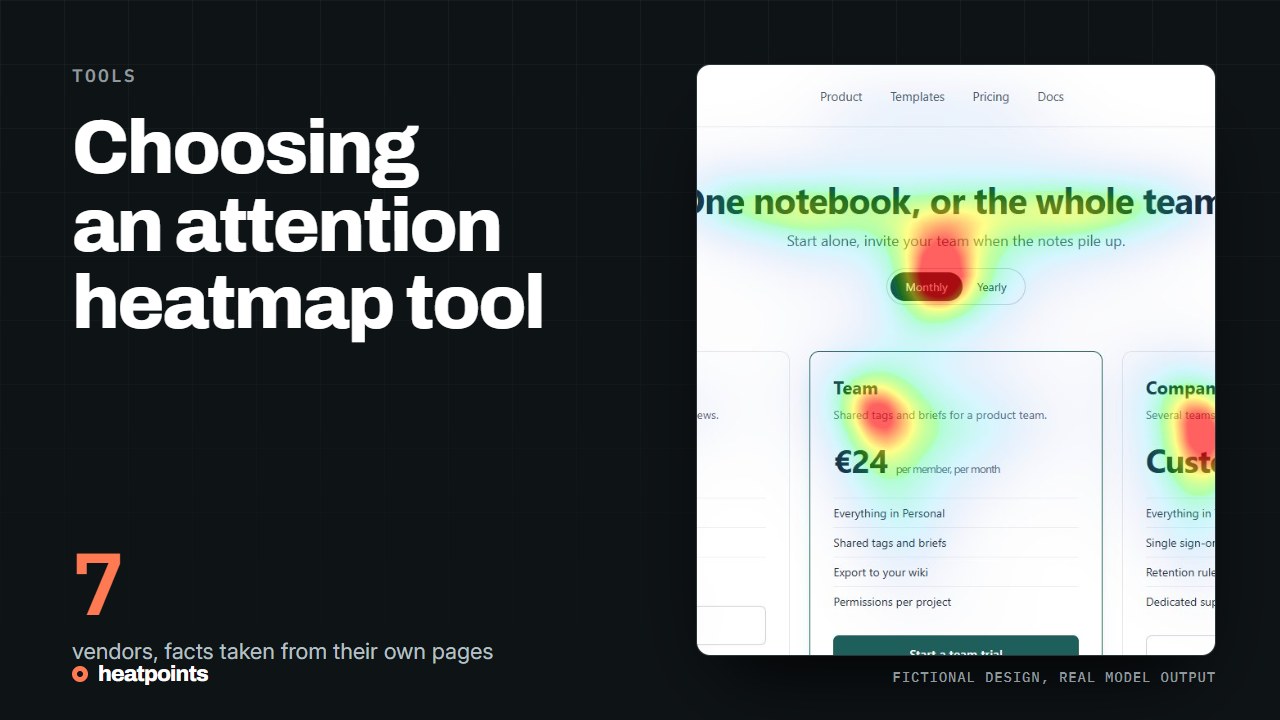
Separate predictive tools from behavioural heatmaps
Start by deciding whether you need a prediction before launch or observations from live visitors. Heatpoints and several specialist products predict visual attention. Microsoft Clarity and behavioural heatmap suites focus on recorded website interactions. Some vendors offer both categories, so compare the specific product.
References: Microsoft Clarity · Plerdy UX Prediction
Shortlist by the work you need to do
For quick image review, test Heatpoints' generator and compare the experience with a specialist image-prediction product. For design-team workflows, investigate Attention Insight and Brainsight, including their current integrations and collaboration options.
For browser-based review, examine Heatpoints, Plerdy UX Prediction and Dragonfly's browser workflow. An extension is not unique to Heatpoints. For broader evaluation, include EyeQuant and Alpha.One's creative-testing products and verify the exact product and access conditions.
References: Attention Insight · Brainsight · EyeQuant · Alpha.One
Use the same test images
Choose a small set representing your work: a mobile page, a desktop page and a creative at its intended aspect ratio. Write down the design questions before looking at any vendor's output. This reduces the temptation to prefer whichever map looks more convincing.
Check whether you can inspect the original, understand the metrics, export the result and reproduce the analysis. Do not compare raw scores across vendors as if they shared a scale. Different preprocessing, models and formulas can produce different numbers.
References: Heatpoints model and metric definitions
Check limits and data handling
Verify current upload limits, account requirements, trial terms and pricing directly with the provider. Ask whether images are stored, whether links to results are accessible to others, and what deletion and team controls are available.
Heatpoints offers initial free access with usage limits. Email verification applies in the Chrome extension after its initial scans. Pro is coming soon and the Figma plugin is not available. Those constraints matter more than a generic ‘free alternative’ label.
References: Heatpoints access and pricing · Data handling
What each vendor documents
The table collects what each vendor's own pages state, as checked for the comparison pages on this site. It is a list of documented capabilities and access conditions, not a ranking, and each row links to its source.
| Tool | Documented workflow | Access as documented | Comparison |
|---|---|---|---|
| Attention Insight | Predictive analysis, design comparison, reports, Figma and Chrome integrations | Time-limited free trial | /vs/attention-insight |
| EyeQuant | Predictive attention for design, agency and brand workflows | Several packages, requirements discussed with sales | /vs/eyequant |
| Plerdy UX Prediction | Browser extension predicting attention without tracking code on the reviewed page | Initial free allowance | /vs/plerdy |
| Brainsight | Predictive attention for images, video and websites, Figma workflow | Plans on the public site | /vs/brainsight |
| Dragonfly AI | Desktop application with browser-based predictions and device views | See the vendor | /vs/dragonfly |
| Alpha.One, formerly expoze | Creative-testing products with a predictive attention offering | Confirm the current product with the vendor | /vs/expoze |
| Heatpoints | Image tool, Chrome extension, Championship comparison of variants | Free to try with usage limits; no paid plan on sale | /pricing |
References: Attention Insight · EyeQuant pricing · Plerdy UX Prediction extension · Brainsight · Dragonfly AI desktop application · Alpha.One
A test protocol you can run in an afternoon
Whatever the shortlist, the same protocol keeps the comparison fair.
- Pick three of your own images: a desktop page, a phone page and a creative at its delivery size.
- Write one question per image before running anything.
- Run all three in each tool with default settings and save the outputs.
- Check, per tool, whether you can see the original, read the metric definitions and export the result.
- Compare the answers to your three questions, not the scores across vendors.
Read the detailed comparisons
The linked comparisons discuss workflow fit and limitations. They are written by Heatpoints, so they are not an independent ranking. No shared benchmark in these pages establishes that one model is more accurate than another.
References: Attention Insight comparison · EyeQuant comparison · Brainsight comparison · Dragonfly comparison · Expoze comparison · Plerdy comparison